Updated May 2026 · Android and iOS access guide

Pin-Up App India: Android APK, iOS Access, Login, Safety and Mobile Features

A practical mobile guide for Indian players covering Pin-Up APK installation, iPhone/browser access, app login, updates, cashier access, KYC, bonus activation and common app problems.

Android APK iOS browser access Login and troubleshooting

18+ only. Install APK files carefully, avoid random mirrors and check local rules before playing with real money.

Pin-Up App for Indian Players: Quick Overview

The Pin-Up app is one of the main access points for Indian players who want casino games, cricket betting, bonuses and account login from mobile. Most users search for the Pin-Up app because they want faster access than a desktop site, especially on Android.

The important point is that the app should not be reviewed only as a download button. A safe mobile experience includes APK source checks, login stability, cashier access, KYC visibility, app updates, iOS alternatives and common troubleshooting steps.

For Android users, the main route is usually the Pin-Up APK. For iPhone users, the safer angle is usually browser or web-app style access, because APK files are Android files and cannot be installed on iOS.

Before Using the App

  • Check the source before downloading the Android APK.
  • Use iPhone browser access instead of Android files on iOS.
  • Test Pin-Up login before making a large deposit.
  • Open cashier, bonus and profile sections before playing.
  • Review KYC and withdrawal rules before funding the account.
Area What to check
Android APK Source, permissions, file warning, install settings.
iOS access Browser login or web-app alternative, not Android APK files.
Login Phone/email, OTP, password recovery and account status.
Cashier Deposit, withdrawal and KYC access from mobile.
Bonus Promo code, wagering and mobile activation.
Safety Age rules, local rules and responsible gambling limits.
Android APK

How to Download the Pin-Up APK Safely

The Pin-Up APK is relevant for Android users. APK means Android Package Kit — it is the file format Android uses to install apps outside the standard app-store flow. This is why Android may show a warning before installation.

A warning does not automatically mean the file is dangerous, but it does mean the player must check the source carefully. Do not treat every APK download as safe.

  • The file should come from the official access route.
  • The file name should look consistent.
  • The page should not be a random mirror.
  • The browser should not redirect through suspicious pages.
  • Android permissions should look reasonable.

Safe APK rule

A safe Pin-Up app page should explain what the APK does, how to install it, how to update it and what to do if the app fails. A weak APK page only repeats “download now” and gives no useful safety information.

Installation flow

Android Installation Step by Step

A typical Android installation flow should be simple and predictable. If something looks unusual, stop and re-check the source before continuing.

Pin-Up India app install steps
Installation visual — download APK, allow install, open app and log in.
  1. Open the Pin-Up page from your Android browser.
  2. Choose the app or APK option.
  3. Download the APK file from the official route shown on the page.
  4. Open the downloaded file.
  5. Allow installation from this browser if Android asks.
  6. Install the app.
  7. Open the Pin-Up app.
  8. Log in or create an account.
  9. Check casino, betting, cashier, bonus and profile sections before depositing.

If Android blocks the installation, do not immediately search for another APK on third-party sites. First check device settings, storage, browser permission and file download status.

Why Android Shows an APK Warning

Android shows warnings because APK files can be installed from outside Google Play. This is a normal Android security mechanism. The warning means the user is taking responsibility for installing an external file.

Indian players should take this seriously. APK files from random websites can be modified, outdated or unsafe. A gambling app also handles login, cashier access and account data, so the source matters.

APK safety checklist

  • Is the APK from the official route?
  • Did the download finish fully?
  • Are permissions reasonable?
  • Is the file from a random mirror? It should not be.
  • Does the app open the expected Pin-Up login?
  • Can you use browser access as backup?
Account access

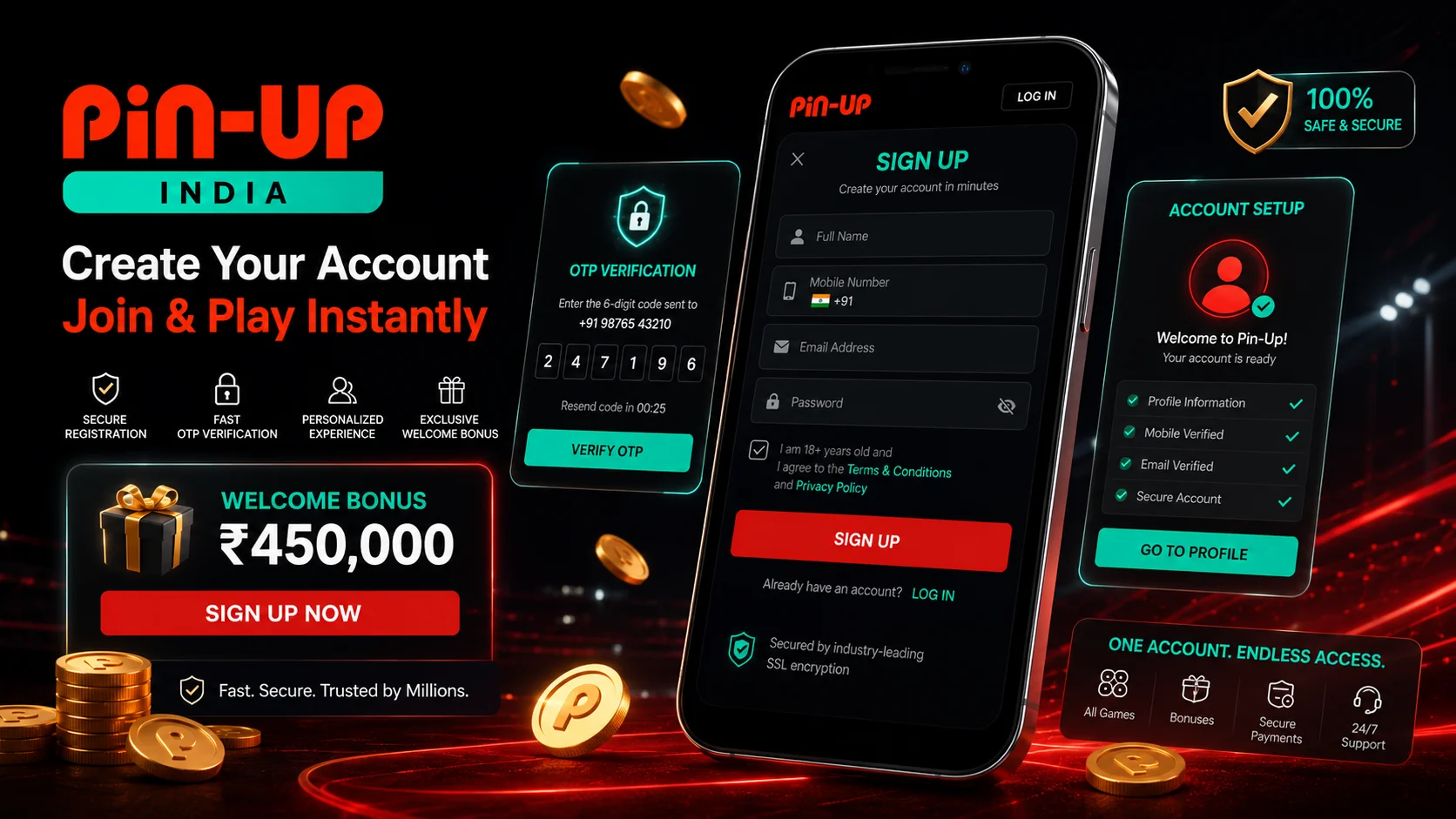
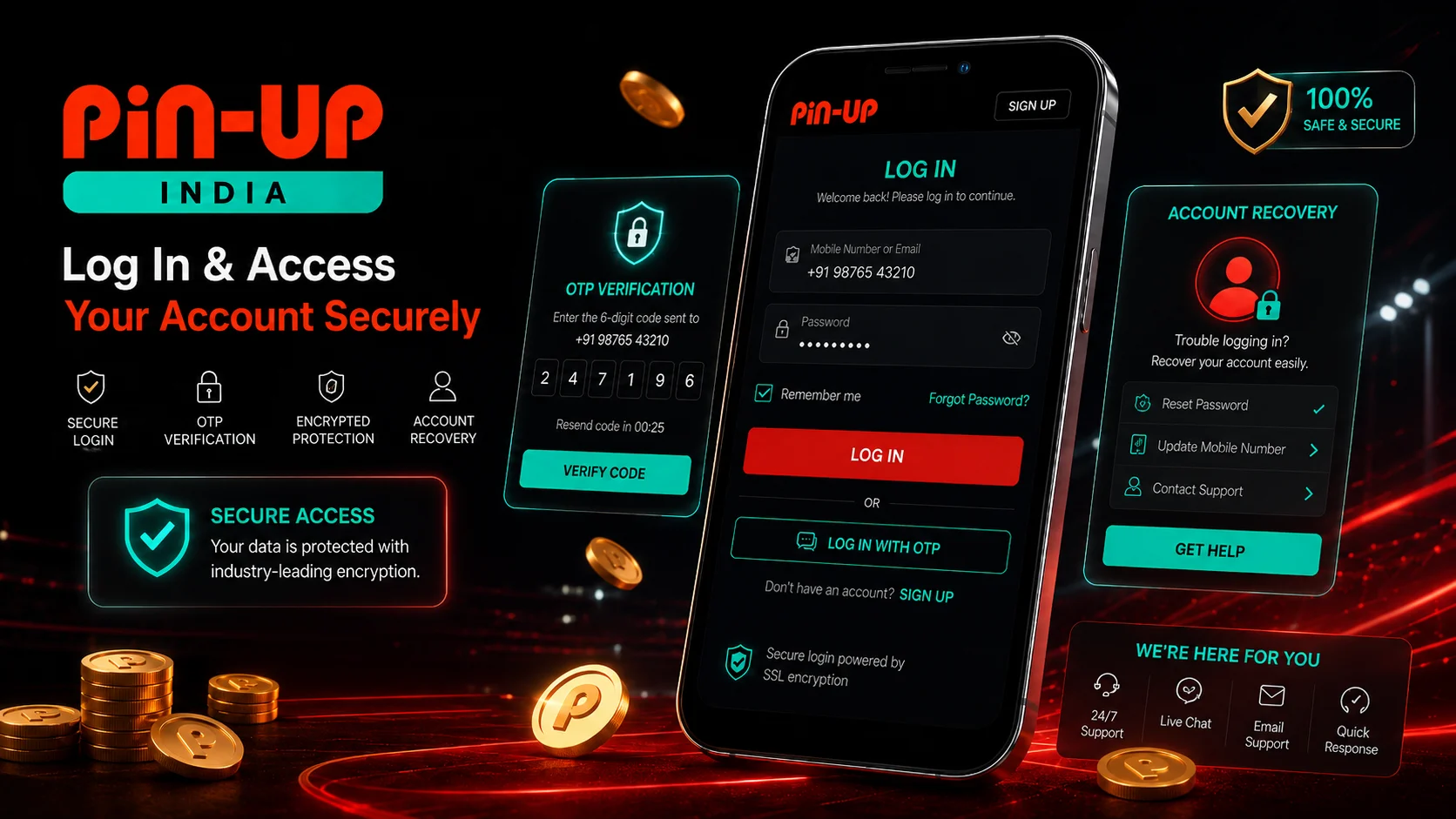
Pin-Up Login from the App

Pin-Up login from the app should be tested before making a large deposit. A player should be able to open the app, enter account details, confirm OTP or email if needed, and access the cashier and profile sections.

If Pin-Up login fails from the app, try browser login before creating another account. Creating a second account can create bigger problems with bonuses, KYC and withdrawals.

For account setup, OTP and duplicate account risks, read the account access after installing the app guide.

Login problems can happen because of

  • Wrong password.
  • Expired OTP.
  • Old app version.
  • Blocked or reviewed account.
  • Weak mobile network.
  • Phone or email not confirmed.

How to Update the Pin-Up App

The Pin-Up app may need updates when features change, access routes change, Android compatibility changes or security improvements are released. An outdated app can cause login issues, game loading problems, cashier errors or blank screens.

Download updates only from the official route. Do not keep several old APK files on the device because this can cause confusion and increases the risk of installing the wrong version.

If the app update fails

  • Check storage space.
  • Delete the broken APK file.
  • Clear app cache.
  • Restart the device.
  • Try browser access.
  • Reinstall only from the official source.
Access options

App vs Mobile Browser

The Pin-Up app can be convenient, but mobile browser access is still important. Browser access is useful when the APK does not install, when the app is outdated, when the player uses iPhone, or when the app has loading issues.

Access type Best for Main risk
Android app / APK Faster mobile access, casino, betting and login. APK source and update safety.
Mobile browser Backup access, iPhone users and quick account checks. Browser session and loading issues.
Desktop browser Larger screen, account review and reading terms. Less convenient for live betting.

A smart player does not depend on only one access method. If the app fails, browser access can still help with login, cashier, support, bonus terms and KYC.

iPhone access

Pin-Up for iOS and iPhone Users

iPhone users should not try to install Android APK files. APK is an Android format and does not work on iOS. For iPhone, the realistic access route is usually browser or web-app style access.

A safe iOS section should not claim that a native iPhone app exists unless it is confirmed. The better approach is to check browser access, use Safari or another mobile browser, log in through the mobile site and avoid fake iOS app downloads from third-party pages.

For iPhone users, check

  • Browser login.
  • Cashier access.
  • Game loading.
  • Bonus section visibility.
  • Security and fake iOS download warnings.

Payments and Cashier Inside the App

The Pin-Up app should give access to cashier functions, but payment availability can change by region, account status, provider and verification level. Indian players often look for UPI, Paytm, PhonePe, bank cards or wallet-style options, but the cashier inside the account is the only place to confirm current methods.

If the cashier does not load in the app, try browser access before making repeated payment attempts. For payment rules, read the cashier checks inside the mobile app.

Bonus Activation from Mobile

Many players use the Pin-Up app to activate bonuses, enter promo codes or claim offers. This can be convenient, but the small screen makes it easier to miss terms.

A common mistake is to deposit from mobile first and read bonus rules later. Check bonus activation from mobile account before claiming any offer.

Troubleshooting

Common Pin-Up App Problems

Pin-Up India app troubleshooting update
Troubleshooting visual — APK warning, app update, login issues and browser fallback.

APK not installing

Check unknown-source permissions, storage space, Android version and whether the file downloaded fully. Do not search for random APK mirrors as the first solution.

Login not working

Check password, OTP, email confirmation, network, app version and account status. Try browser login before creating a new account.

App update failed

Remove the broken file, restart the device, clear cache and download the update only from the official route.

Payment page not loading

Try browser access, check network, log out and log back in, and avoid repeated payment attempts until the cashier works normally.

Game lobby freezing

Game lobby freezing can happen because of weak mobile data, overloaded app cache, old app version or device performance.

Browser fallback

If the app fails, browser access can still help with login, cashier, support, bonus terms and KYC checks.

App Safety Checklist

Question Safe answer
Did I use the official APK route?Yes
Did I avoid random mirrors?Yes
Did I check Android warnings?Yes
Can I log in from browser too?Yes
Did I check payment methods before depositing?Yes
Did I read bonus terms before claiming?Yes
Do I understand KYC may be required?Yes
Did I set a gambling budget?Yes

If several answers are “no”, do not deposit yet. Fix access, login and cashier checks first.

Mobile safety

Responsible Mobile Gambling

Mobile gambling can be riskier than desktop because the app is always available. Fast access, push notifications, live cricket odds and casino games can make sessions longer than planned.

Do not gamble with borrowed money. Do not chase losses from the app after a bad cricket bet or casino session. If mobile access makes gambling hard to control, take a break and use responsible gambling tools.

Read more about mobile gambling control tools.

Set limits before using the app

  • Deposit limit.
  • Session time limit.
  • Loss limit.
  • Bet size limit.
  • Cooling-off period if needed.

Final Verdict on the Pin-Up App

The Pin-Up app is useful for Indian players who want mobile access to casino games, bonuses, cashier functions and cricket betting. But the app should not be judged only by whether it installs. The stronger review questions are APK source, login stability, app update safety, cashier access, KYC visibility, bonus rules and browser fallback.

For Android users, the Pin-Up APK can be the main mobile route if it comes from the official source. For iPhone users, browser or web-app access is the safer angle unless a confirmed native iOS app is available.

The best approach is simple: install carefully, test login, check cashier and bonus terms, prepare for KYC, and only then deposit. For the broader site review, use the complete Pin-Up download guide for India.

FAQ

Is the Pin-Up app available in India?

Indian users search for the Pin-Up app, but access and availability can depend on region, account status and current site routing. Players should check the current access route before depositing.

How do I install the Pin-Up APK?

Open the site from Android, use the app or APK option shown there, download the file from the official route, allow installation if the warning is expected, then open the app and log in.

Why is the Pin-Up APK not installing?

The most common reasons are blocked unknown-source installation, incomplete file download, low storage, outdated Android version or app compatibility issue.

Can I use Pin-Up on iPhone?

Do not install APK files on iPhone. iOS users should check browser or web-app style access unless a confirmed native iOS app is available.

Is the Pin-Up APK safe?

APK safety depends on the source. Do not install files from random mirrors. Use the official access route, check permissions and keep browser access as backup.

Why is Pin-Up login not working in the app?

Login can fail because of wrong password, expired OTP, old app version, weak network, unconfirmed email or phone, account restriction or cache issue.

How do I update the Pin-Up app?

Download updates only from the official route. Avoid random APK update sites. If the update fails, delete the broken file, clear cache and try again.

Can I deposit from the Pin-Up app?

The app may provide cashier access, but available methods can change. Check deposit and withdrawal methods inside the account before paying.

Does KYC affect app withdrawals?

Yes. Even if the app works normally, withdrawals can be delayed if KYC or payment verification is incomplete.